PMO Portfolio Dashboard (Excel)
A multi-project view for a PMO — portfolio health, budget, risk and resource allocation across every project, from one register.
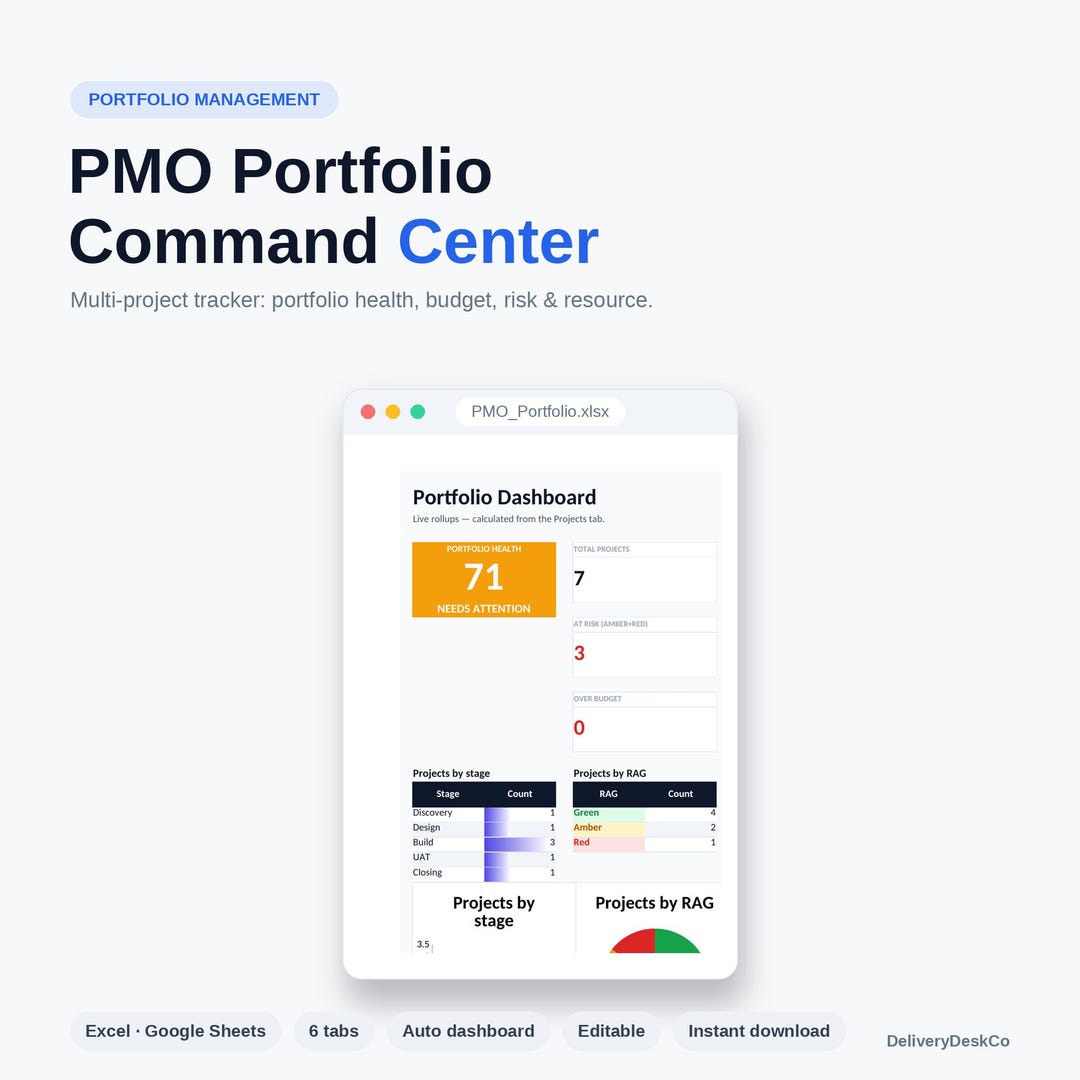
A PMO's first problem is that each project reports in its own format, so consolidating means retyping. This workbook inverts that: projects are rows in one register, and every view is derived from it.
The resource allocation tab is usually the one that changes conversations. Portfolio health tends to look fine until you see that four of the amber projects share the same three people.
Who it is for
PMO managers, portfolio leads and programme managers overseeing multiple concurrent projects.
What is included
- Home — how the workbook is structured
- Portfolio Board — the visual overview
- Projects — the register every other view reads from
- Dashboard — portfolio health, status and budget roll-up
- Risk Register — risks across the portfolio, not per project
- Resource Allocation — who is committed to what, and where the contention is
When to use it
- A PMO is being stood up and there is no portfolio view
- Executives are asking for one page covering all projects
- Two projects have quietly booked the same architect for the same month
Format and compatibility
- File format
- Microsoft Excel workbook (.xlsx)
- Editable
- Yes — nothing locked, protected or watermarked
- Delivery
- Instant download after purchase on Etsy
- Licence
- Single-user commercial use on your own projects. See licence and downloads.
- Price
- €29,00
Delivered as a standard .xlsx workbook. No macros — the .xlsx format cannot contain them, so it opens without security warnings and passes corporate download policies. Every cell is editable; nothing is locked or password protected.
Questions
How many projects does it handle?
It is built for a portfolio a person can actually govern — roughly up to thirty. Beyond that a portfolio tool is the honest answer.
Do project managers update it, or the PMO?
Either works. In practice PMOs update the register from project reports, because it keeps the definitions consistent.
What is the difference from the IT Project Portfolio Tracker?
This one leads with health, budget and resource. The Portfolio Tracker adds a prioritisation scorecard and cross-project dependencies, which matter more when you are selecting work rather than running it.
Get the PMO Portfolio Dashboard (Excel)
€29,00 — instant download, editable, no subscription and no account beyond Etsy.
View on Etsy →